> ## Documentation Index
> Fetch the complete documentation index at: https://infisical-devin-1781641701-docs-github-pat-fine-grained.mintlify.site/llms.txt
> Use this file to discover all available pages before exploring further.
# Project Access Requests
> Learn how to request access to projects in Infisical.
The Project Access Request feature allows users to view all projects within organization, including those they don't currently have access to.
Users can request access to these projects by submitting a request that automatically notifies project administrators via email, along with any comments provided by the user.
# Viewing Available Projects
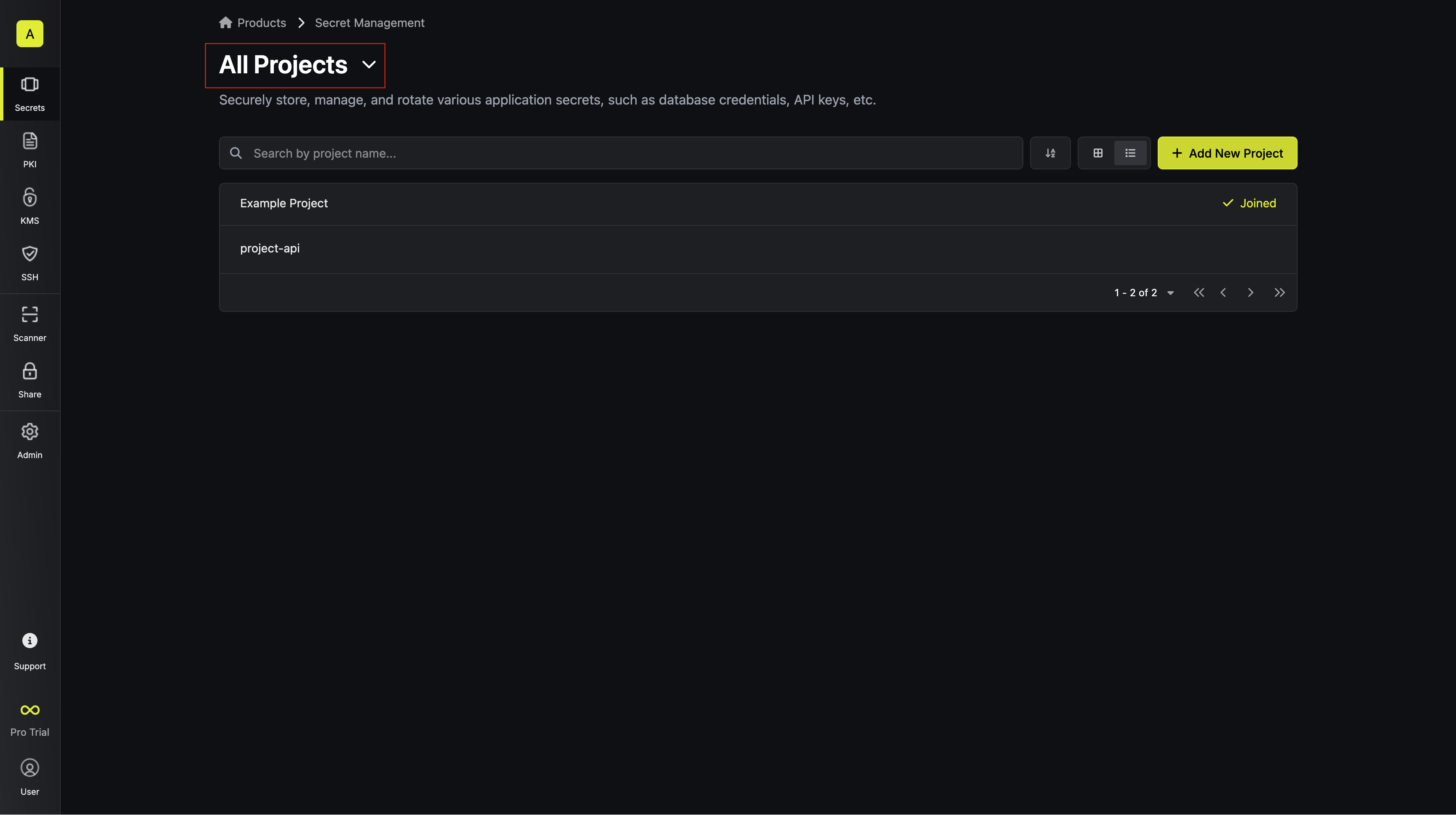
From the Infisical dashboard, users can view all projects within the organization:
1. Navigate to the main dashboard after logging in
2. The overview page for each product displays two tabs:
* **My Projects**: Projects you currently have access to
* **All Projects**: Complete list of projects in the organization
 # Requesting Access to a Project
To request access to a project you don't currently have access for:
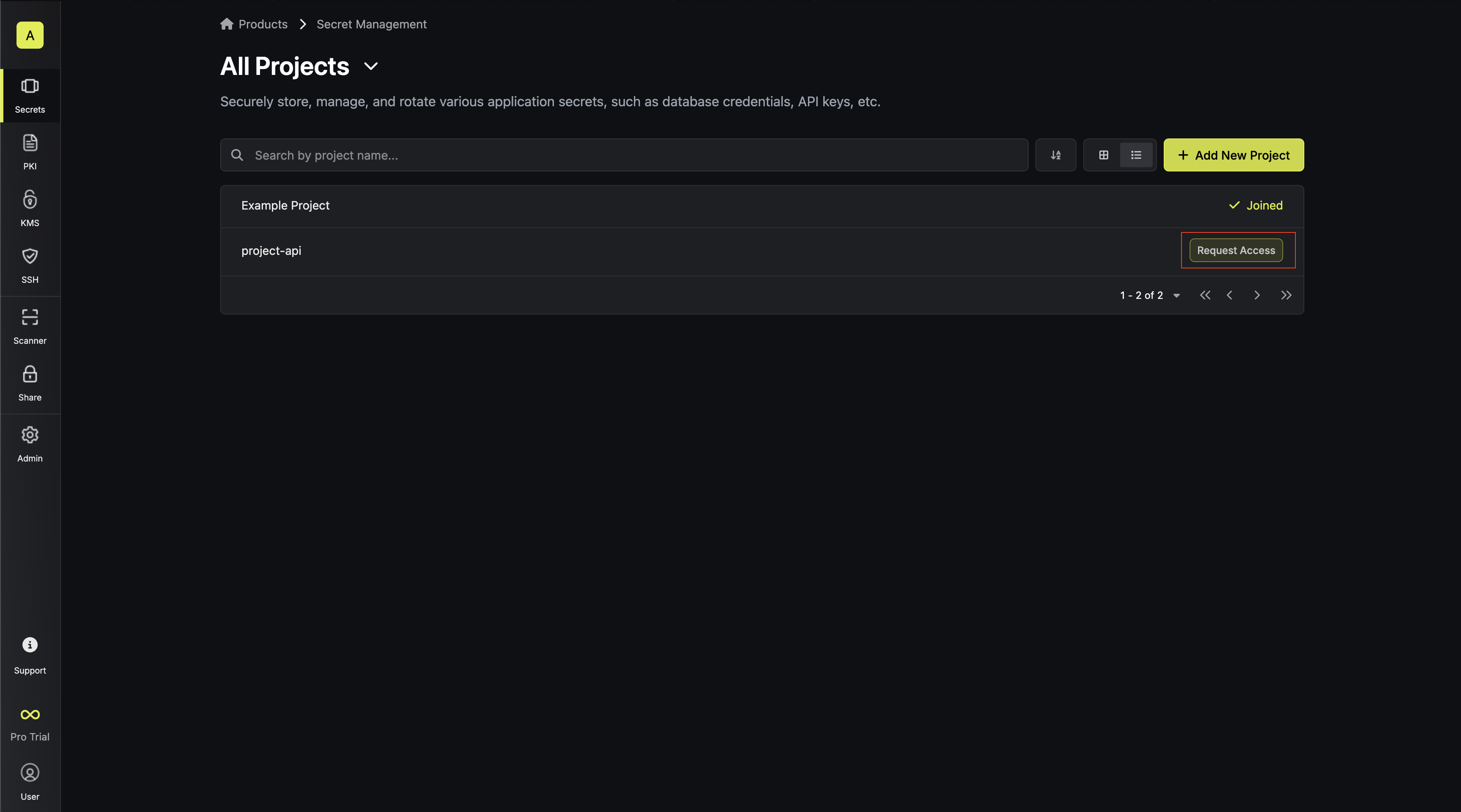
1. Click the **Request Access** button next to the project name
# Requesting Access to a Project
To request access to a project you don't currently have access for:
1. Click the **Request Access** button next to the project name
 2. Add a comment explaining why you need access
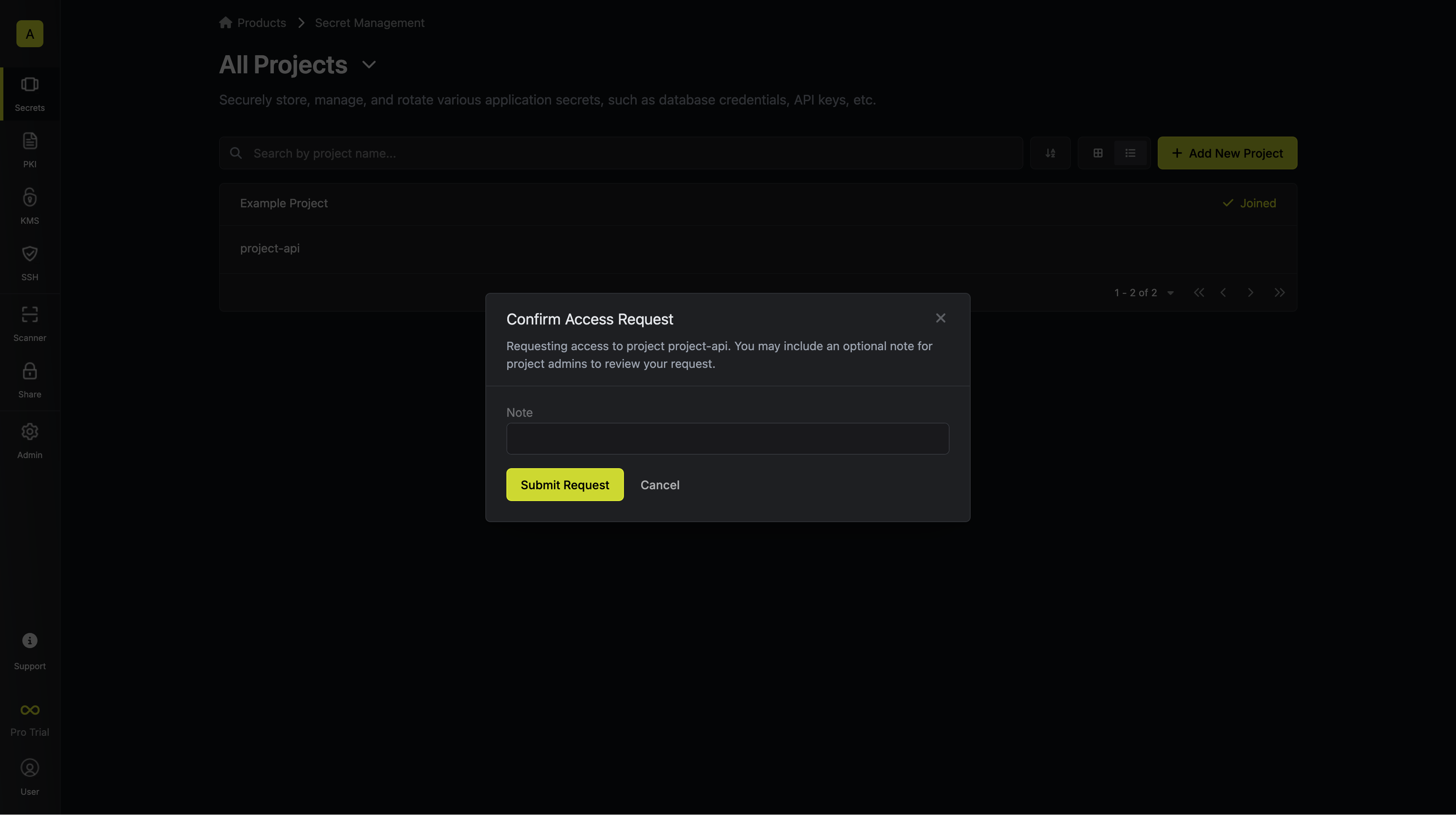 3. Click **Submit Request**
Project administrators will receive email notification with details regarding
the access request.
3. Click **Submit Request**
Project administrators will receive email notification with details regarding
the access request.